Bass Boost on Linux
Using CLI music players on Linux, the default audio output often feels flat. Rather than managing a full 30-band equalizer, here’s a minimal way to add some bass.
1. Identify the Audio Server
Check which audio server is running:
pactl info | grep "Server Name"
The output determines which tool to install:
pulseaudio→ PulseEffectsPipeWire→ EasyEffects
2. Installation
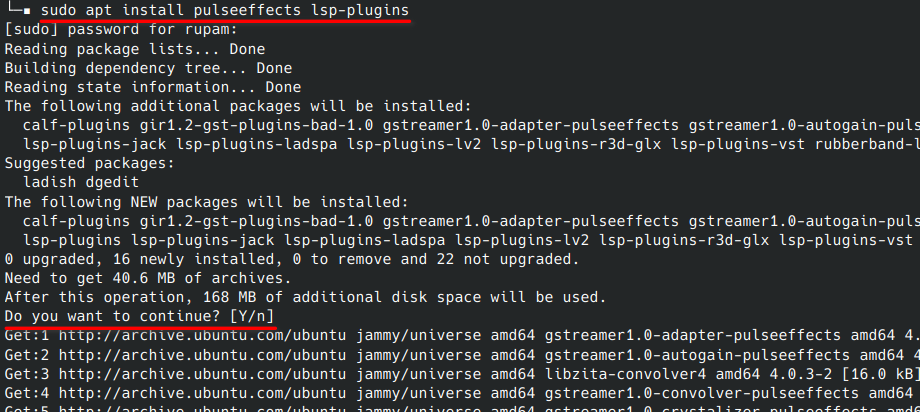
Install pulseeffects along with lsp-plugins. The plugins are required for effects to appear in the interface.
sudo apt install pulseeffects lsp-plugins
3. Enable Bass Boost
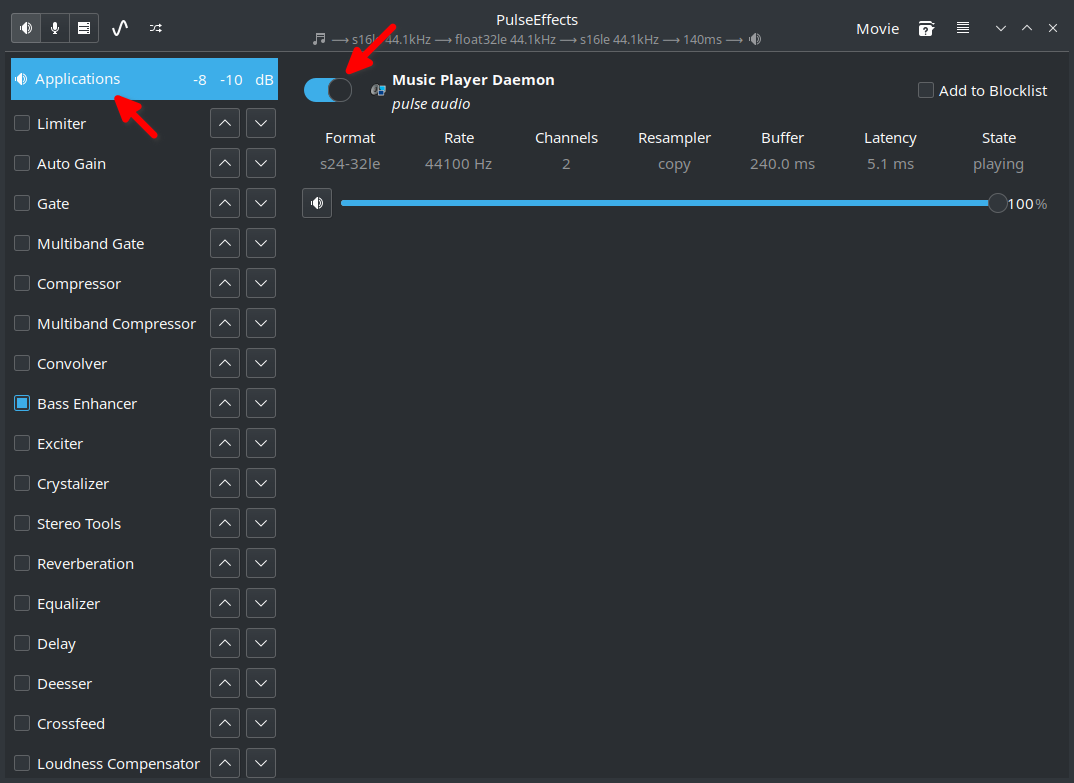
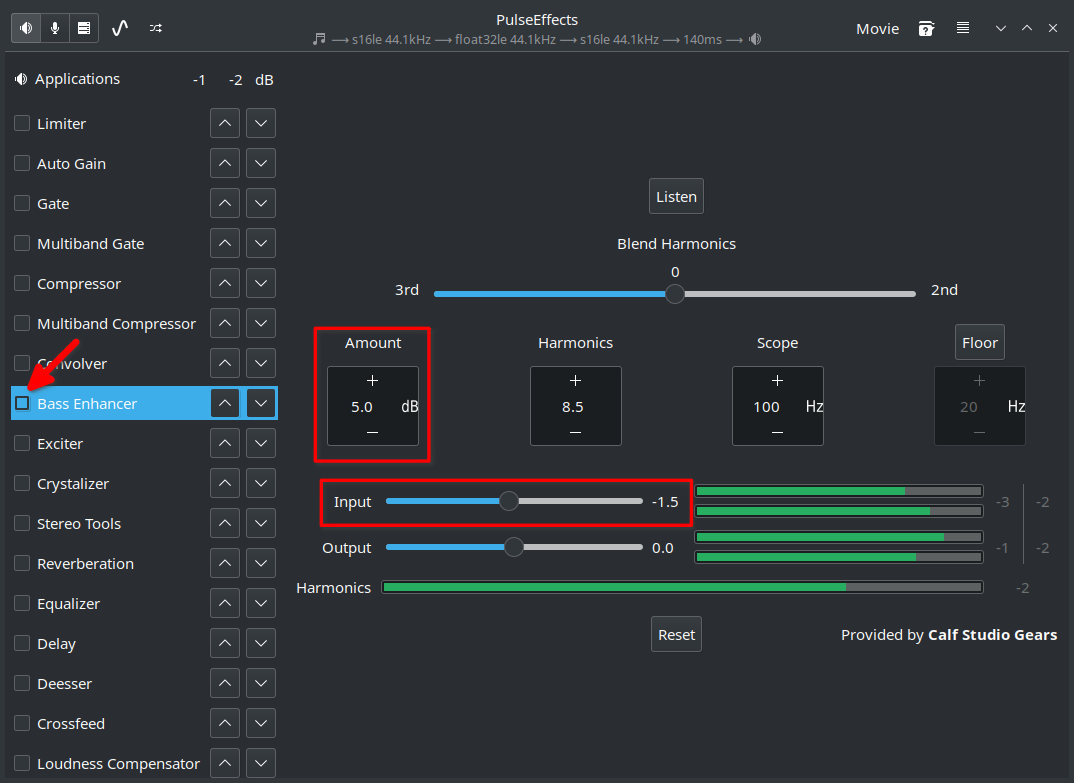
Open PulseEffects while music is playing, then go to the Bass Enhancer module.
- Locate Bass Enhancer in the sidebar.
- Toggle it ON.
- Set Amount to 3.0 dB.
4. Make It Persistent
In the application settings, enable “Start Service at Login” so the effect applies automatically on every session.
The audio now has the punch it was missing, without being overly processed. Set once, forget about it.