SoundConverter - Easy Audio File Conversion on Linux
I often need to convert (i.e. transcode) audio files on Linux, and honestly, typing out ffmpeg commands every time is a bit painful. I wanted something simple—a GUI tool where I could just click around and get things done.
After a bit of searching, I found SoundConverter. It looked promising, so I decided to give it a try.
If you want to try it too, here’s how you can set it up on Ubuntu or Debian:
# Update the package list (recommended)
sudo apt update

# Install SoundConverter
sudo apt install soundconverter

# Launch SoundConverter (from terminal or app menu)
soundconverter
Once installed, here’s how I use it:
-
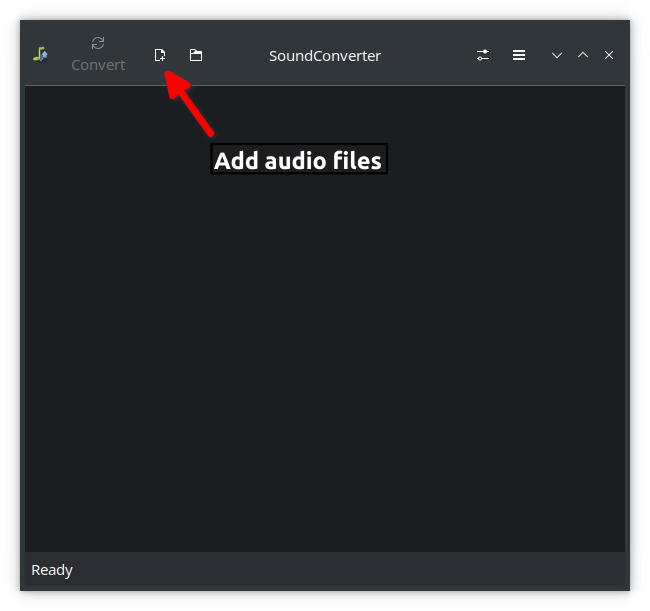
Open SoundConverter and add the audio files or folders you want to convert.
-
Configure the output format and quality settings in the preferences window.


-
Start the conversion process and monitor the progress. Once the conversion is complete, check the output files in the destination folder.

So far, SoundConverter has worked well for me. It’s much easier than wrangling with ffmpeg, especially for batch jobs. If you also want a no-fuss way to convert audio files, this tool might be worth a look.